Skip to content
View in the app

A better way to browse. Learn more.

AutoLanka Forum

A full-screen app on your home screen with push notifications, badges and more.

To install this app on iOS and iPadOS
  1. Tap the Share icon in Safari
  2. Scroll the menu and tap Add to Home Screen.
  3. Tap Add in the top-right corner.
To install this app on Android
  1. Tap the 3-dot menu (⋮) in the top-right corner of the browser.
  2. Tap Add to Home screen or Install app.
  3. Confirm by tapping Install.

dillongt

Moderators
  • Joined

  • Last visited

About Me

"23 Years Behind the Wheel of a Mazda" 

I choose to work at Mazda because they never compromise. Instead, strike a perfect balance based upon your needs. 

My passion for this brand runs deep - so much so that I left a career as a successful Network Infrastructure Engineering Technologist to pursue my dreams of working for Mazda.

When it comes to vehicles, performance makes me tick. Performance or seamless luxury doesn't have to come with a ridiculous price tag. I have test driven, researched, and even owned other brands of vehicles. I’m here because Mazda has always come up on top. 

Owner. Driver. Enthusiast

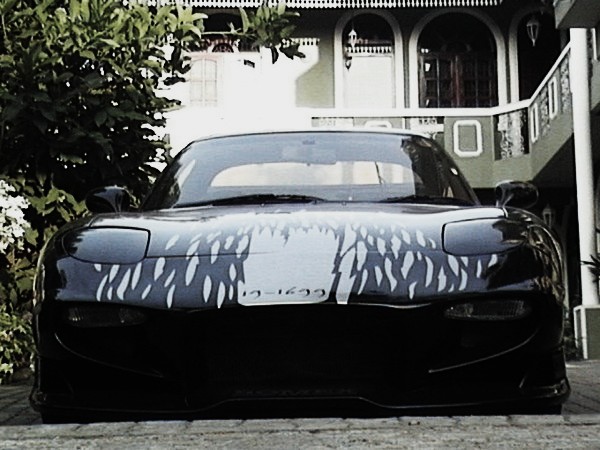
1 car (2).jpg

2 car.jpg

3 car.jpg

4 car (4).jpg

5 car (4).jpg

6 car (3).jpg

7 car (2).jpg

8 car (2).jpg

Account

Navigation

Search

Search

Configure browser push notifications

Chrome (Android)
  1. Tap the lock icon next to the address bar.
  2. Tap Permissions → Notifications.
  3. Adjust your preference.
Chrome (Desktop)
  1. Click the padlock icon in the address bar.
  2. Select Site settings.
  3. Find Notifications and adjust your preference.